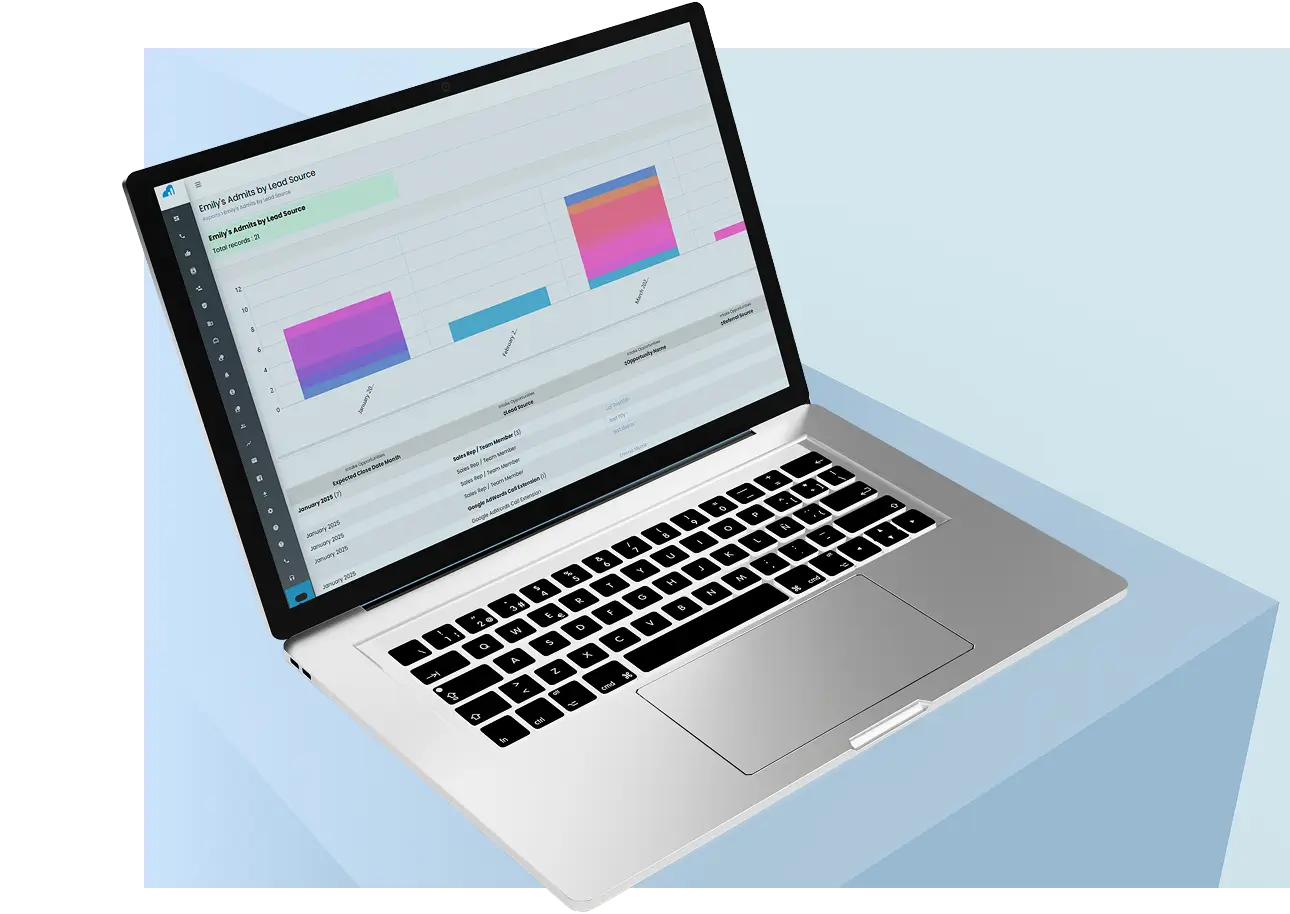
Dazos Mail Manager
Dazos Mail Manager brings your email into Dazos CRM — the behavioral health revenue growth platform — so your admissions and outreach teams can send, receive, and link emails to leads, accounts, and referral sources without leaving the platform, keeping all communication centralized in one place.
What Dazos Mail Manager does
Your mailbox, inside the CRM
Browse your Gmail folders and labels, search your mail, and read full messages — including attachments — directly within Dazos CRM.
Organize your mail
Mark messages read or unread, move them between folders and labels, and delete mail you no longer need — the same actions you’d take in Gmail, without switching tabs.
Send & reply without leaving the CRM
Compose new emails or follow up on any conversation from inside Dazos CRM. Outgoing messages are delivered by the CRM’s own email service — Mail Manager never sends email from your connected Gmail account.
Link email to CRM records
Mail Manager matches senders and recipients to your contacts, leads, referral sources, opportunities, and support tickets, so the full email history lives on the record where your team works.
How Dazos Mail Manager uses your Google data
Dazos Mail Manager lets you view and manage your Gmail mailbox inside Dazos CRM. To provide the features above, it asks for the following permissions when you connect your Gmail account:
- Read and manage your email — used to display your mailbox inside the CRM (folders, search, full messages, and attachments) and to carry out the actions you take on your own mail: marking messages read or unread, moving them between folders, and deleting them. Emails are shown and processed only when you use Mail Manager, and only for your own connected mailbox. Mail Manager does not send email from your Gmail account — messages composed in the CRM are delivered by Dazos CRM’s own email service.
- Your email address — used to identify which Gmail account is connected to your CRM user and to label your mailbox in the interface.
Dazos never sells your Google data and never uses it for advertising. Humans do not read your email except with your explicit permission for support, when necessary for security purposes, or where required by law. You can disconnect your Gmail account at any time from Mail Manager’s settings in Dazos CRM — which revokes and removes the stored tokens — or from your Google Account permissions page.
Getting started
Mail Manager works with Gmail, Microsoft 365 / Office 365, and custom IMAP/SMTP mailboxes; this page describes the Google integration. To connect your Gmail account, open the Mail Manager module in Dazos CRM, choose Configure Mailbox, select Gmail, and sign in through Google’s secure authorization page. Step-by-step instructions are in our help center: How to set up Mail Manager (CRM).
About Dazos
Dazos is the behavioral health revenue growth platform — an integrated CRM that unifies admissions, marketing, and billing for treatment centers. Dazos Mail Manager is the email integration component of Dazos CRM. Learn more at dazos.com.